


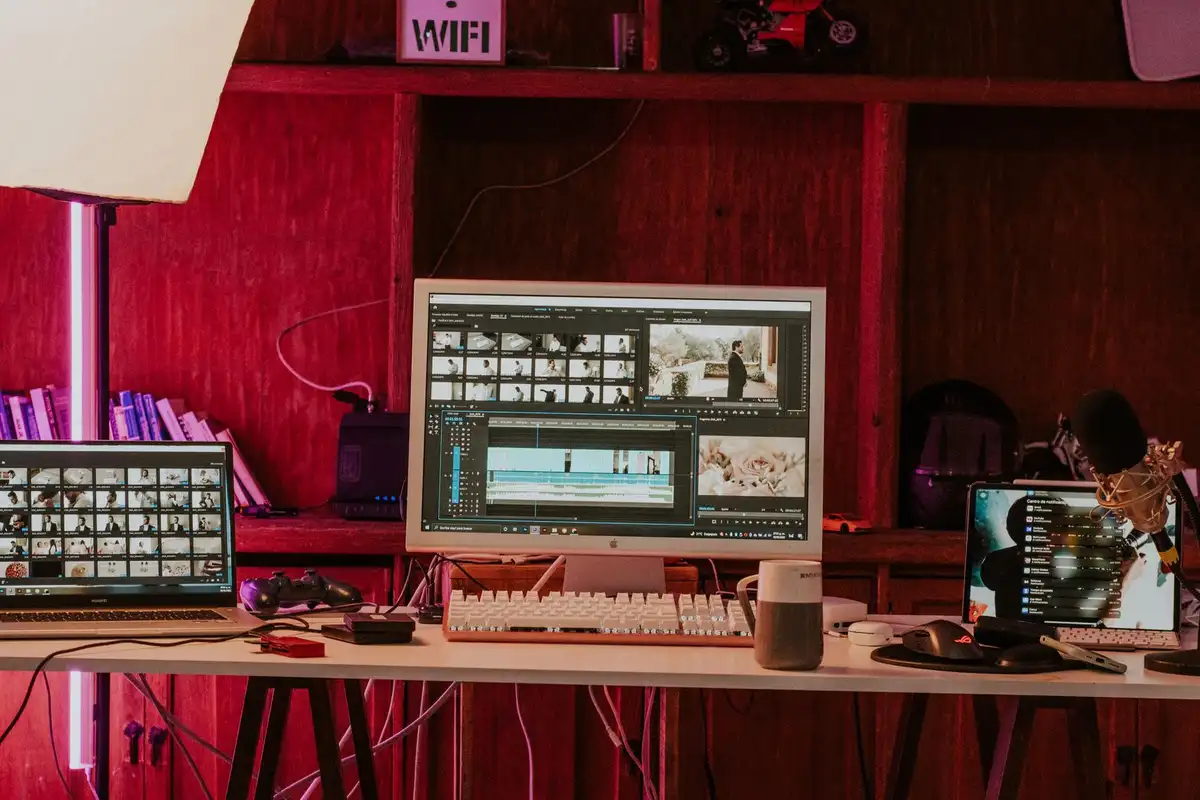
Every podcast host, YouTuber, coach, and small brand now needs short video — and almost none of them have time to edit it. That gap is exactly why AI video editing has become the fastest-growing freelance skill of 2026. Demand for AI video generation and editing grew 329% year over year on Upwork, ahead of every other freelance skill category, and clients are paying roughly a 40% premium for freelancers who can work with AI tools.
The good news: you do not need film school, an expensive camera, or years of experience to start. You need a laptop, one or two AI editing tools, and a clear offer. This guide explains what AI video editing really is, which services clients actually buy, what you can honestly expect to earn, and the exact steps to land your first paying client.
If you are exploring AI income streams more broadly, start with our roundup of the best AI side hustles — video editing is one of the strongest entries on that list, because it turns a skill you can learn in weeks into recurring monthly work.
Why AI Video Editing Is Booming in 2026
Three forces collided at once. First, short-form video became the default way businesses reach customers: TikTok, Instagram Reels, and YouTube Shorts reward creators who publish constantly, and every clip needs editing. Second, AI tools crossed a quality threshold — auto-captioning, silence removal, reframing, and clip selection now work well enough for client work, not just demos. Third, the cost of producing a polished video collapsed: work that once needed a small production team can now be done by one freelancer with a handful of subscriptions.
Upwork’s 2026 in-demand skills research puts the numbers on it: AI video generation and editing grew 329% year over year, AI integration grew 178%, and AI data annotation grew 154%. Video is not a passing trend inside that data — it is the single fastest-growing category, and the clients driving it are not hobbyists. They are podcasters, course creators, agencies, and brands with real budgets and recurring needs.
That recurring need is what makes this skill different from many other side hustles. A client who needs one logo pays once. A podcaster who publishes weekly needs clips every single week. Once you win a client, the work repeats — and that is how a side hustle turns into a stable income.
What Is AI Video Editing, Exactly?
AI video editing means using software that automates the repetitive parts of editing — cutting silences, removing filler words, adding captions, reframing a wide shot into a vertical one, finding the most engaging moments in a long recording — while you keep control of the creative decisions.
Here is what the AI typically handles, and what stays human:
| Task | Who does it | Why it matters |
|---|---|---|
| Transcribing footage and cutting by text | AI (e.g. Descript) | Deleting a sentence in the transcript deletes it from the video — hours saved per edit |
| Silence and filler-word removal | AI | Tightens pacing automatically; the biggest time-saver for talking-head video |
| Auto-captions with styled words | AI | Most social video is watched on mute, so captions directly raise watch time |
| Finding clip-worthy moments | AI shortlists, you choose | Tools rank moments by a virality score, but only a human knows the client’s audience |
| Reframing to vertical (9:16) | AI | Keeps faces in frame when a wide shot becomes a Short or Reel |
| Hook, story, and pacing decisions | You | The part clients actually pay for — and the part AI cannot do |
| Brand consistency and final quality check | You | Fonts, colours, tone, and accuracy are your responsibility |
The honest framing matters: AI is a speed multiplier, not a replacement for an editor. Clients pay you for judgement — which moments to keep, what to cut, how the video should feel — and the AI simply lets you deliver that judgement ten times faster than a manual editor could.
What Clients Actually Buy (5 Services That Sell)
Clients do not buy “video editing”. They buy a specific, repeatable output. These five services are the ones freelancers report selling most often in 2026:
| Service | What you deliver | Typical beginner price |
|---|---|---|
| Podcast-to-clips | 8–12 captioned vertical clips per weekly episode | $150–$400 per episode batch |
| Talking-head shorts | Raw phone footage turned into polished, captioned Reels/Shorts | $25–$75 per clip |
| Ad variations | One core creative cut into 5–10 versions for testing | $250–$1,200 per project |
| UGC-style ads | Short authentic-feeling ads for brands, often with AI voiceover | $150–$500 per ad |
| Long-form YouTube edits | Full 10–30 minute video: cuts, captions, B-roll, chapters | $100–$500 per video |
Podcast-to-clips is the highest-volume request in the market right now, and the best first niche: the client already records every week, the workflow is identical each time, and one client can fill a large part of your month. Talking-head shorts are the easiest entry point, because almost every coach, consultant, and founder records on their phone and hates editing.
Notice that all five are recurring. A podcaster needs clips every week; a brand testing ads needs new variations every month. Price per output, never per hour — hourly billing punishes you for getting faster, which is exactly the wrong incentive when AI is doing the heavy lifting.
How Much Can You Earn with AI Video Editing?
Earnings depend on your niche, your speed, and whether you sell one-off clips or monthly packages. These are realistic ranges drawn from current freelance marketplaces and pricing guides — not promises:
| Stage | Typical monthly income | What it looks like |
|---|---|---|
| First 1–3 months | $200–$800 | A few Fiverr orders or 1–2 small clients; learning the tools and building a portfolio |
| 3–6 months, part-time | $800–$2,500 | 2–4 recurring clients on clip packages; 10–20 hours a week |
| 6–12 months, focused | $2,500–$5,000+ | Monthly retainers from podcasters and brands; some freelancers report $3,000–$8,000 at this stage |
| Experienced / productised | $5,000–$8,000+ | Productised agency model: fixed monthly packages for several clients, possibly with subcontractors |
For context, Upwork’s hiring guide puts entry-level video editors under $30 an hour (median around $10), mid-tier editors at $31–$60 an hour (median around $40), and senior editors at $61–$150 an hour (median around $100). AI-assisted editors tend to earn toward the higher end of those bands because they deliver more finished output per hour — and because clients pay a premium of roughly 40% for AI-capable freelancers.
Before you quote a rate, run your numbers through our freelance income calculator so you know exactly what a package needs to pay after tool subscriptions, platform fees, and taxes. A $400 monthly package sounds good until you subtract $50 in tools and a 20% marketplace fee.
The Tools You Need (and What They Cost)
You do not need five tools. You need one editor you know deeply, plus one clip-extraction tool if you serve podcasters. Start free, upgrade only when paying work justifies it.
| Tool | Best for | Entry price (2026) | Free tier |
|---|---|---|---|
| Descript | Editing by transcript; filler-word removal | $24/month (Hobbyist) | Yes — 1 media hour/month, 720p, watermark |
| OpusClip | Turning long videos into vertical shorts | $15/month (Starter) | Yes — 60 processing minutes/month, watermark |
| CapCut | Quick social edits, templates, captions | $19.99/month (Pro) | Yes — auto-captions are Pro-only |
| Runway | Generative shots and video-to-video effects | $15/month (Standard) | 125 one-time credits |
| DaVinci Resolve | Colour grading and finishing, free version | Free | Yes — full editor, no watermark |
| ElevenLabs | AI voiceover for ads and UGC | From $5/month | Yes — limited characters |
A sensible starter stack is CapCut (free) plus OpusClip’s free tier for practice, then Descript at $24 a month once you have a client — total running cost around $30–$80 a month on paid plans. Avoid the classic beginner mistake of subscribing to everything before earning anything. Learn one AI-native editor properly rather than five badly: transcript-based editing, auto-caption styling, vertical reframing, silence removal, and basic colour and audio cleanup are the five skills that cover 90% of paid work.
DaVinci Resolve deserves a special mention: its free version is a professional-grade editor with no watermark, and it is the best way to learn colour grading — the skill that most visibly separates amateur-looking edits from professional ones.
How to Learn AI Video Editing in 30 Days
You can go from zero to taking paid work in about a month if you practise on real footage instead of only watching tutorials. Here is a realistic week-by-week plan:
Week 1: Learn one tool and the basics
Pick Descript or CapCut and complete its official getting-started course. Learn the five foundational skills: pacing and rhythm for retention, audio clarity, visual storytelling without words, brand consistency, and export settings for each platform. Edit three practice videos from free stock footage on Pexels.
Week 2: Specialise in one service
Choose podcast-to-clips or talking-head shorts — not both. Study ten high-performing examples in your niche and note their hooks, caption styles, and pacing. Recreate two of them shot for shot as practice (never publish someone else’s content as your own).
Week 3: Build a spec portfolio
Make your portfolio out of work nobody hired you for. Pick three podcasts or YouTube channels in your niche, cut two clips each from their public episodes, and label them clearly as spec work. Six samples in exactly the style your target client needs are far more persuasive than a generic showreel.
Week 4: Start selling
List a Fiverr gig, complete your Upwork profile, and send ten personalised outreach messages to podcasters or creators in your niche — offering one free sample clip from their latest episode. One free clip that proves your quality beats a hundred cold pitches. For the full client-getting playbook, our guide on selling AI services on Fiverr covers gig setup, pricing tiers, and getting your first reviews.
How to Get Your First Paying Client
- Pick a narrow niche. “I edit videos” competes with everyone. “I turn real-estate podcast episodes into 10 captioned clips a week” competes with almost nobody — and the client instantly understands the offer.
- Build six spec samples in that niche, as described above. Host them on a simple portfolio page or an unlisted YouTube playlist.
- Offer one free sample clip made from the prospect’s own latest episode or video. This is the single highest-converting tactic for new editors, because the client sees their own content improved before paying anything.
- List on Fiverr and Upwork with a clear package: number of clips, turnaround time, revision count. AI video gigs on Fiverr commonly run in Basic/Standard/Premium tiers from around $75 to $500.
- Follow up once, then move on. Creators are busy; a polite follow-up after three days doubles replies. After that, spend the energy on the next prospect.
- Ask every happy client for a testimonial and a referral. One podcaster knows ten other podcasters. Referrals are how most freelance editors stop needing marketplaces at all.
The same demand that powers this skill also powers faceless YouTube automation — many of the channels in that niche need exactly the editing service you are learning to sell, which makes them natural first clients.
Pros and Cons of AI Video Editing as a Side Hustle
Pros
- Fastest-growing freelance demand in 2026 — 329% year-over-year growth, with a rate premium for AI skills.
- Low startup cost — start free, total paid tools around $30–$80 a month.
- Recurring revenue — weekly podcasts and monthly ad testing create retainers, not one-off gigs.
- Learnable in weeks, not years — no film degree or camera needed, just a laptop and practice.
- Location-independent — clients are worldwide and delivery is entirely digital.
Cons
- AI output still needs human fixing — expect 10–30 minutes of cleanup per clip; the tools are not “press a button, get paid”.
- Competitive entry level — the low barrier means many beginners; a niche and a portfolio are what separate you.
- Tool costs scale with volume — heavy users can outgrow free tiers fast, so price that into packages.
- Revision-heavy clients exist — set a revision limit in every package or a simple job can eat your week.
- Platform fees bite — Fiverr takes 20% and Upwork takes a service fee, so build them into your prices from day one.
Frequently Asked Questions
Do I need a powerful computer for AI video editing?
No. Most AI processing happens in the cloud, so a mid-range laptop with 8GB of RAM and a stable internet connection is enough to start. CapCut and Descript run well on ordinary machines. You only need serious hardware if you move into heavy 4K colour grading in DaVinci Resolve.
Can AI really replace a human video editor?
Not for client work that has to be good. AI handles the mechanical steps — transcription, silence removal, captions, reframing — but hook selection, pacing, storytelling, and brand judgement are still human. The editors earning the most in 2026 are the ones using AI to deliver more, not the ones hoping AI does everything.
How long does it take to learn AI video editing?
Most beginners can produce client-acceptable clips within 2–4 weeks of focused practice, and land a first paying client within 1–3 months. Mastery — the colour grading, pacing instinct, and niche knowledge that command premium rates — takes 6–12 months of real client work.
Is AI video editing better than general video editing?
For earning potential in 2026, yes — demand is growing 329% a year and clients pay roughly a 40% premium for AI-capable freelancers, while general editing rates have been flat. That said, the AI label alone is not enough: you still need the editing fundamentals, and the strongest position is an editor who uses AI tools fluently rather than someone who only knows the tools.
Where do I find AI video editing clients?
Start with Fiverr and Upwork, where buyers already search for this service, then move to direct outreach: podcasters, YouTubers, coaches, and small brands in one niche. Offering one free sample clip from a prospect’s own content is the most reliable way to convert a cold contact into a paying client. It also helps to know which freelance skills are rising alongside video — see our list of the most in-demand freelance skills in 2026.
The Bottom Line
AI video editing is the fastest-growing freelance skill of 2026 for a simple reason: every creator and business needs more video than they can edit, and AI tools let one freelancer do the work of a small team. The opportunity is real, but it rewards editors, not button-pushers. Learn one tool deeply, pick one service and one niche, build six spec samples, and offer a free sample clip to ten prospects. Do that, and your first paying client is a matter of weeks, not months.
Video editing pairs well with other AI services, so once you have your first clients, explore the wider field — our guide to making money with ChatGPT shows nine complementary ways to earn with AI tools. And if you are still deciding which path fits you, browse more earning ideas to compare video editing against the alternatives before you commit.
Featured image: Photo by Amar Preciado on Pexels (free to use).
